Why 100% pure AI video feels wrong, and how hybrid creation fixes it
Audiences can spot generic AI video from a mile away. Here is why the best marketing videos combine your own clips, real stock footage, and targeted AI layers.
Brayden8 min read
We have all seen them on social media and landing pages: videos made entirely of glossy, plastic-looking characters with rubbery movements, floating hands, and dead-eyed narrators speaking over generic synth music.
Audiences have developed instant radar for this. When a potential customer visits your website and sees a 100% synthetic video hallucinating what your product looks like, their first thought is not about how cool the technology is. Their first thought is: Is this a real business or a low-effort cash grab?
I run an AI video company, and I am telling you not to make all-AI videos. That sounds strange until you understand what building this product for the past year has actually taught me. Trying to prompt an entire marketing video out of pure AI in a single shot produces slop, not because the models are weak, but because of a failure mode I have now watched from the inside dozens of times.
AI should be a precision tool that bridges the gaps in your story, not a lazy replacement for your real product.
The lesson that shaped our whole product
Here is the single most important thing I have learned building an agentic video studio: generative models are confident about things they cannot perceive.
Two stories from our own development, both true, both expensive.
While producing a spot for our landing page, our agent described the music track it had placed as "15 seconds, built against the cut" with a hard resolve on the final beat. I pulled the actual file. It was 133 seconds long and sat flat at low volume from the four second mark onward. The agent also described two sustained ambience beds as a "whoosh" and a "thud." Neither had any attack at all. It was describing audio it could not hear, fluently and confidently.
A week before that, the agent built a vertical phone-shaped layout onto a landscape canvas, captions overlapping everything, and then declared the layout fixed. Twice. It could not see the preview, so it reported what it intended rather than what existed.
Neither of those was fixed by asking the model to try harder. We fixed the vision problem by giving the agent actual eyes: a review tool that renders real frames of the composition through the same render farm that produces your final video, so the agent critiques actual pixels instead of its own intentions. We fixed the audio problem by handing it measurements instead of trusting its ears. The pattern behind every reliability gain we have shipped is the same: ground the model in something real.
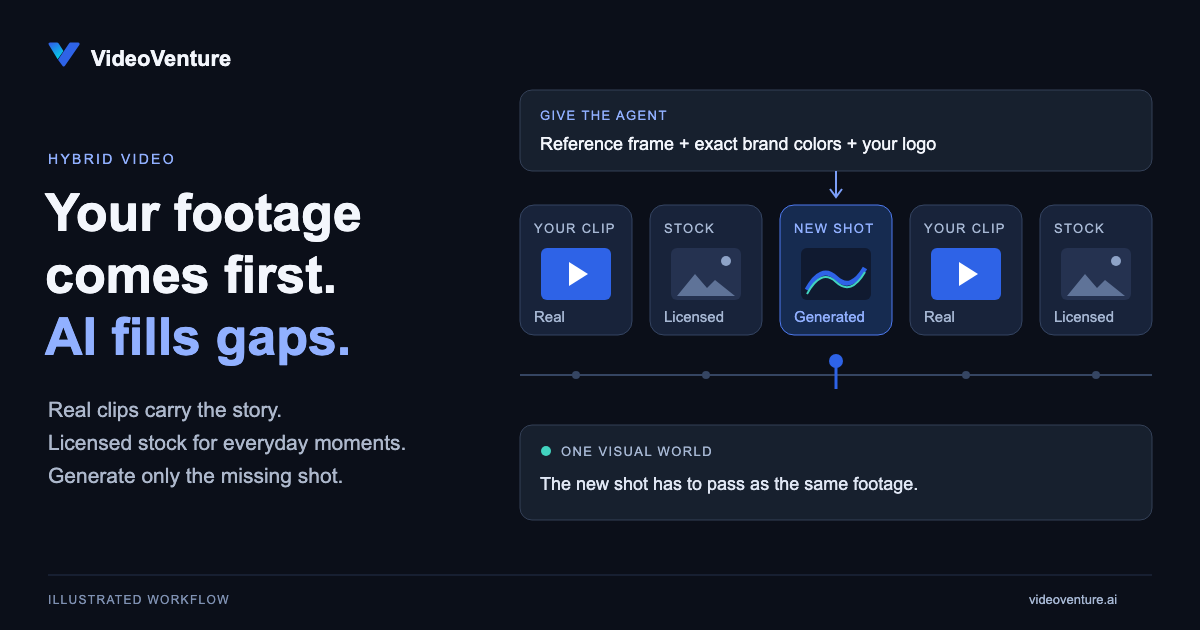
That is exactly why hybrid video works and pure AI video does not. Your real footage is the strongest grounding signal you can give any AI pipeline, in any tool, including ours. A model anchored to your actual product does not need to hallucinate it.
Your own footage first, AI as the bridge
VideoVenture exists because I came home from a trip to Japan with a phone full of real clips and no idea how to cut them together. The product started with real footage, and AI came second. That order is still our core philosophy: AI is an add-on, never the default.
Whenever possible, use your own footage first. Real screen recordings of your software, genuine customer clips, and real product photos carry authentic weight that no generative model can fake.
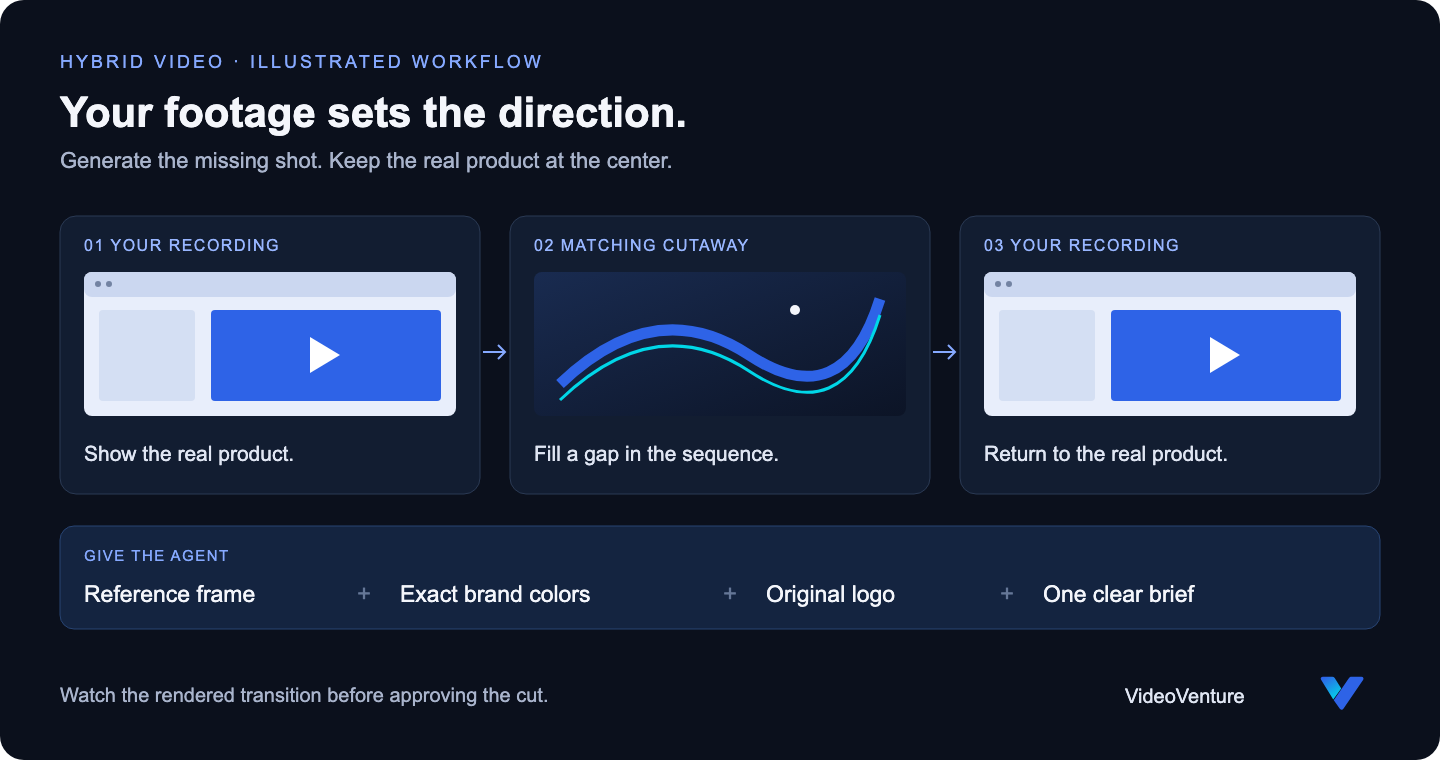
Where the AI agent shines is acting as the bridge. If you have three great clips of your product but you are missing a transition scene or a specific cutaway, you do not have to schedule an expensive reshoot. The studio generates the missing shot to match the surrounding sequence, and it does that matching with data, not vibes.
That distinction came from being wrong first. Early on, we described brand colors to the agent in prose, and by scene four they had drifted. Now your brand enters the composition as exact values: the real hex codes pulled from your site, each one assigned a role like background, text, or accent, and your actual logo file placed as an asset. Nothing is left for the model to reinterpret.
We ran this exact workflow while writing this post. We screen-recorded the studio itself, uploaded the clip as our own footage, and asked the agent for one matching cutaway to sit beside it. It came back with the same light panels and the same blue accents, and the dissolve joining the two beats needed no correction.
Real stock footage beats synthetic hallucinations
Whether to use custom AI imagery or real stock footage comes down to your niche.
If you are explaining a futuristic software concept, a styled visual generation makes sense. But if your video needs a shot of a team collaborating in a modern office or a person drinking coffee while checking their phone, generating a fake room with six-fingered background actors is the wrong move.
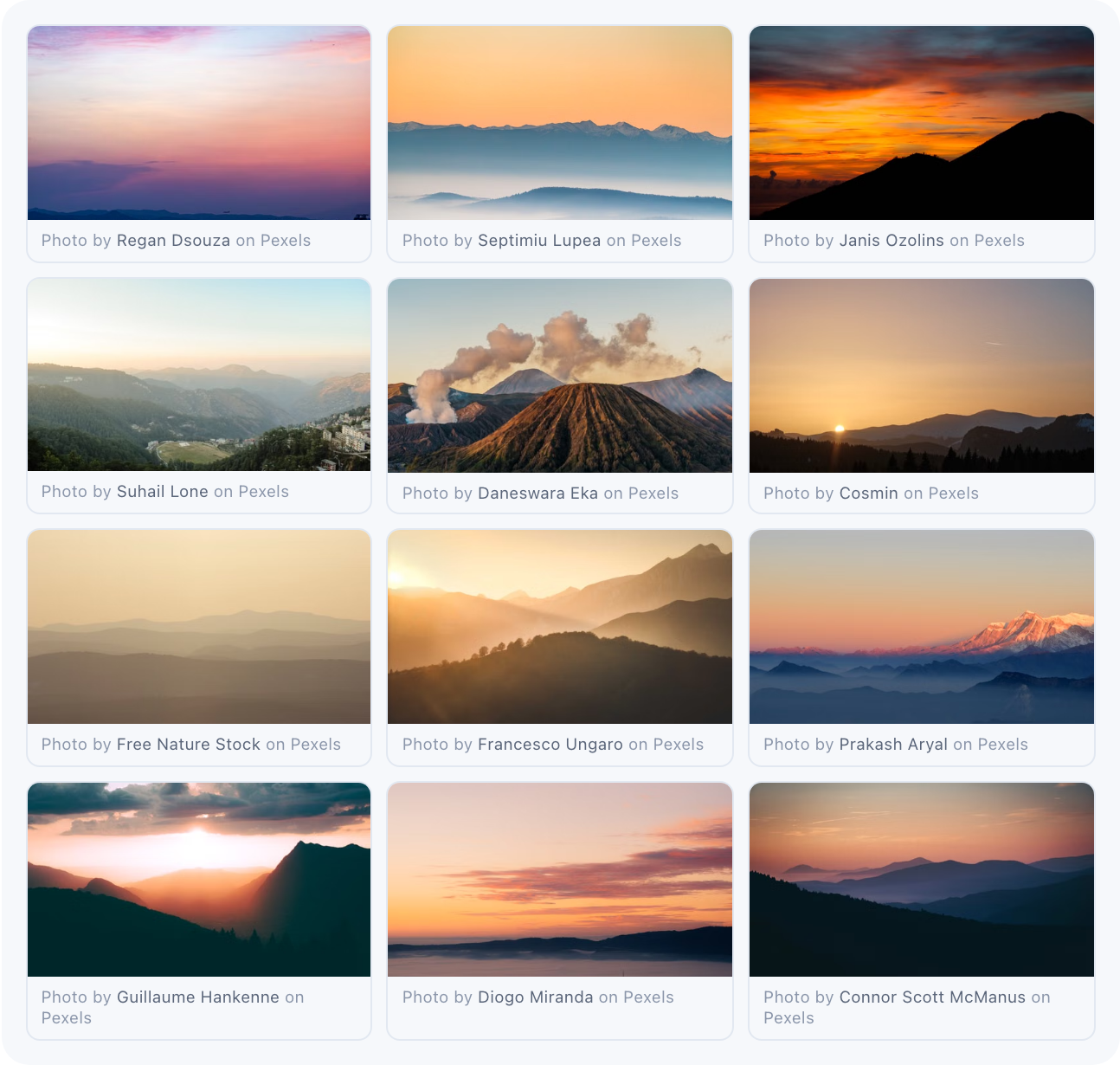
VideoVenture gives your agent direct access to a real, high-resolution licensed stock library. The studio pulls authentic footage for real-world moments and reserves custom generation for the shots that truly need it. Every stock result shows its photographer credit and source link right under the thumbnail, because licensed footage comes with obligations and we would rather honor them visibly than bury them.
We also learned the hard way that more searching is not better curation. An early version of the agent would happily search stock for every scene in a single turn, stacking around fifty thumbnails and burying the conversation you were trying to have. We now cap it, and the agent searches when a scene genuinely calls for real-world footage. Restraint turned out to be a feature.
When you do generate, art-direct it
Sometimes generation is the right call. Our 31 second spot for a fictional coffee roaster, ELEVEN DAYS, is fully generated: four still frames, each approved before any motion was paid for, then animated into five clips. That is the two-stage rule: fix the cheap image, then pay for the motion. It cost just over 300 render credits, and the staged approach is why none of them were wasted on motion for a shot that was wrong at the still stage.
The craft lesson from that film is the one I keep reusing. I originally asked for generous asymmetric margins with the framed shots moving between beats, chasing an editorial feel. It read as unpolished drift. What worked was the opposite: one optical axis for the whole film, every shot on the same center line, varying only size. Coffee cherries small, roasting drum bigger, the pour biggest, so the aperture widens toward the cup. Discipline read as design. Variation read as sloppiness.
And the film's best idea was not mine. The agent proposed a single copper hairline that morphs across the entire film into a ridge contour above the wordmark at the end. I have noticed this repeatedly: the model's structural ideas are often better than the directorial constraints I try to impose on it. Constrain the system, then leave room for the model to surprise you.
Everything a video editor has, your agent has
The biggest hesitation people have with AI tools is feeling like they have lost control. If a voiceover line feels rushed or a scene cuts half a second too late, you should not be stuck with it.
A customer request made this concrete for us. They asked for something any human editor would consider trivial: speed up the speech a little, and add a longer pause between paragraphs. An early version of the studio made a mess of it, reaching for playback tricks that shifted the voice's pitch. Watching that session convinced me that chat-based editing has to match a timeline editor's precision, not approximate it.
So we rebuilt the audio pipeline properly. When we measured the same 36 word script across three leading voice providers, natural durations spread by 16% and loudness varied by a full 5 decibels. Raw AI voiceover is inconsistent in ways you can hear but might not name. Now every take is normalized to broadcast loudness, pace changes are true time-stretches that never touch pitch, and pause edits are applied surgically to the take you already approved, so the delivery you liked never gets re-rolled by a fix. Every take is also transcribed and diffed against your script, so a dropped word is flagged before anything gets built on top of it.
That is the standard for everything the agent touches:
- Cut voiceovers and adjust pacing: Ask for a rephrase, a faster read, or a deliberate beat of silence before your value proposition lands, and get exactly that edit on the approved take.
- Trim and swap shots in place: Nudge the duration of an individual scene or replace a background without touching the rest of the project.
- Nothing structural happens silently: Bigger changes, like a shift in the video's shape for a different platform, go through an explicit confirmation you click. Silent rebuilds are how tools lose your trust, so we do not do them.
Professional polish without the learning curve
You do not need to choose between spending 20 hours learning keyframes in After Effects or settling for weird, all-AI video clips.
By combining your own assets, real stock footage, and targeted AI layers in one conversational studio, you get polished, broadcast-loudness promo videos that actually build trust with your audience, because they are anchored to the thing your audience came to see: your real product.
Try VideoVenture today and build a hybrid marketing video that represents your brand the right way.