Why your next video should start with a conversation, not a timeline
Most AI video tools give you clips you cannot edit. Here is why we built a studio where changing a scene is a dialogue, not a full re-render.
Brayden5 min read
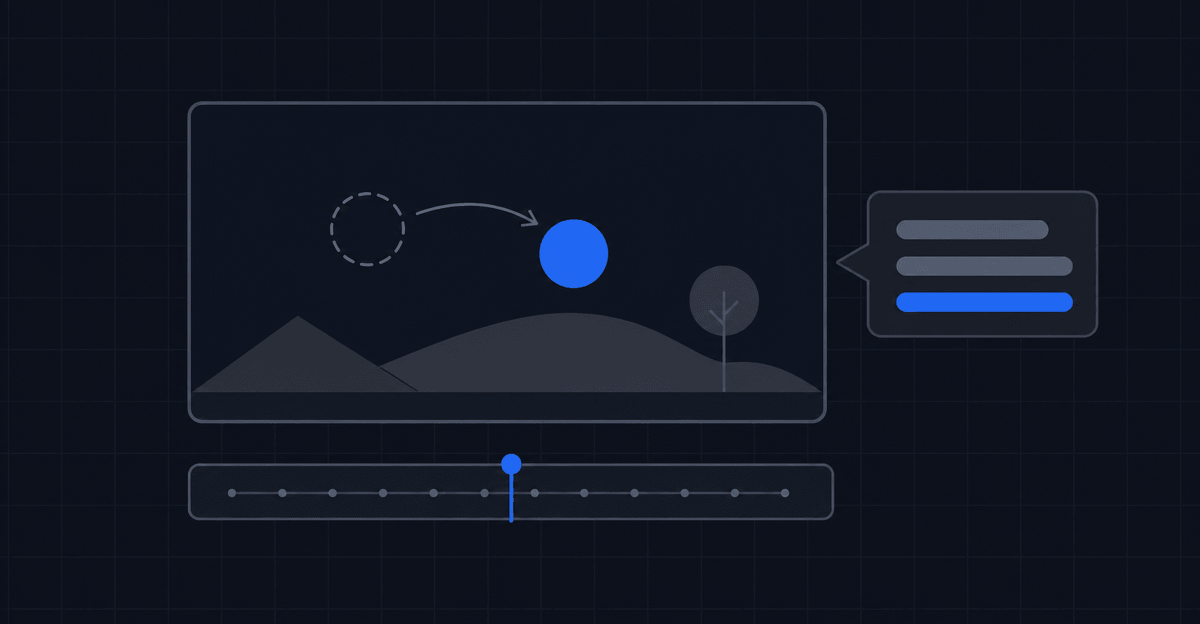
When I got back from a trip to Japan with a phone full of photos and video clips, I wanted to build a sweet montage video. The problem was simple: I had never touched a video editor in my life. Looking at timeline tracks, keyframes, layers, and color curves felt like trying to pilot a commercial airplane just to put a few memories together.
So I started exploring AI video tools. At first, asking a prompt model for a clip felt magical. But the second I wanted to fix something, the magic vanished.
If you ask a typical prompt-to-video tool for a thirty second video, it might give you something impressive on the first try. But if shot two is slightly off and you ask to shorten it, the model re-rolls the whole video. You end up with a different video, a drained credit balance, and two good scenes ruined just to fix one bad scene.
That is not a video editor. That is a text-based slot machine.
What happens when video creation becomes a dialogue
That experience is why I built VideoVenture. I realized creators and business owners do not want to become certified video editors, and they do not want to gamble credits on unpredictable text prompts. They want an AI studio where you talk through what you need, get a complete scene by scene draft, and iterate on specific parts until it is right.
When I was recently building a promotional video for one of my own companies, the first iteration was good, but a couple of scenes did not look right. Instead of tossing the entire project away or spending hours tweaking keyframes, I used VideoVenture to generate a few visual variations for those specific shots.
I shared the options with my team, we A/B tested the tone until we found the perfect fit, and I told the studio to render that version into the project. It slotted in smoothly without touching the rest of the video, the voiceover timing, or the background music.
You do not need to learn keyframes or color grading. You just need to tell your studio what needs to change.
Why we skip direct text-to-video
One of the biggest architectural choices we made in VideoVenture was saying no to direct text-to-video generation.
When you ask a tool to go straight from a text prompt to a moving video, you are asking it to solve three hard problems simultaneously: scene composition, character detail, and motion physics. If any one of those three elements fails, the whole video clip is ruined and your money is gone.
We treat video creation as a staged pipeline instead:
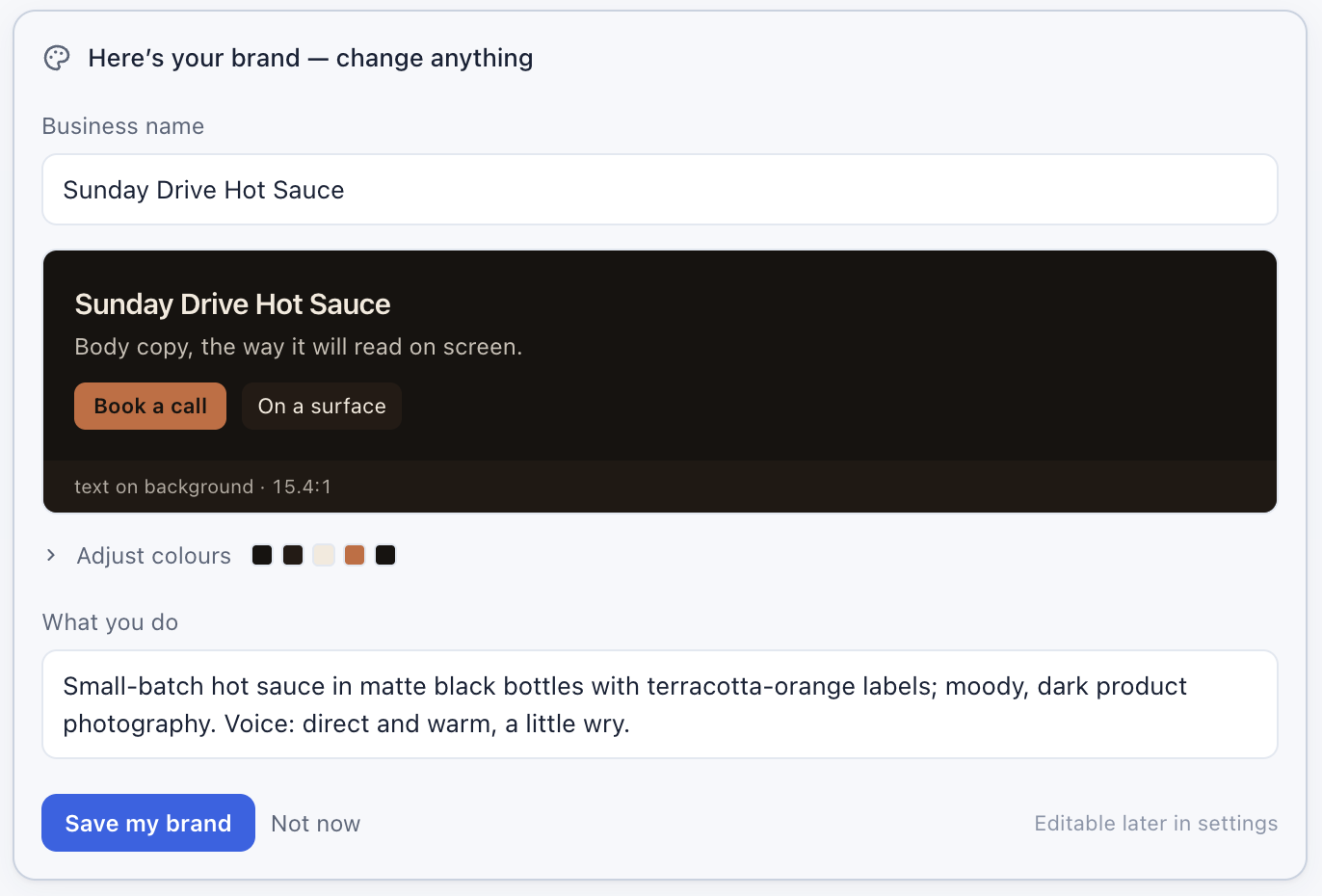
- Automatic business context and brand capture: The very first thing VideoVenture does is scrape your website URL. It analyzes your offerings, brand voice, primary colors, and logo (plus any extra details you choose to share in chat) so it actually understands your business before drafting a single scene.
- On-brand image styling: Because the agent already knows your visual identity, every image it generates maintains a consistent style right out of the gate, completely avoiding that generic, unnatural AI look.
- Cheap, fast iteration: Updating or swapping a still image costs pennies compared to a video render. You can test five variations with your team until the subject and mood are 100% locked.
- Precision motion rendering: Only when you approve the still visual does the studio move to animating the shot.
Because the generator starts from a rock-solid, on-brand image rather than a vague text prompt, the animated shots come out right on the first try far more often than not. In my own projects it is nearly every time. And if you ever want to adjust the motion speed or camera direction, you are adjusting movement without destroying your brand styling.
A real toolbox behind the simple chat
Behind the conversation, the studio coordinates everything needed to assemble a complete project. You describe what you are trying to make, and the agent picks the right tool for the shot.
- Generated imagery and motion: Images created for the exact context of your scene, animated into clips only when a shot actually calls for movement.
- Real stock footage: When authentic footage works better than a generated image, the studio finds and places high-res stock rather than creating a weird imitation.
- On-brand voiceover and captions: Clear narration in a voice you pick, paired with word-by-word captions so on-screen text lands right on cue.
- Music written for your script: Soundtrack audio added after your script and timing are locked down, so the beats match your scene cuts.
- Saved brand kits: Extracted from your website automatically, keeping your typography, hex codes, and logos locked across all projects.
- Recurring characters: Create a character profile once and keep their appearance consistent across different scenes and separate projects weeks apart.
Built for the way feedback actually works
The best part of this setup is how naturally it fits into a real workflow. You can create multiple professional videos in minutes for roughly the price of lunch.
When you take a draft to your team or a client and they ask for tweaks, you do not have to panic or start over. You open your video conversation, tell the studio what needs to change, and review the updated version.
Where we go from here
To this day, I have still never opened a traditional video editor, and I do not plan to.
As AI models and agents continue to improve, VideoVenture evolves right alongside them. The underlying agent gets smarter, scene composition gets sharper, and your video quality keeps getting better every month while your pricing stays predictable.
If timeline software has always felt like that airplane cockpit to you too, this is the studio I wished existed when I got back from Japan.