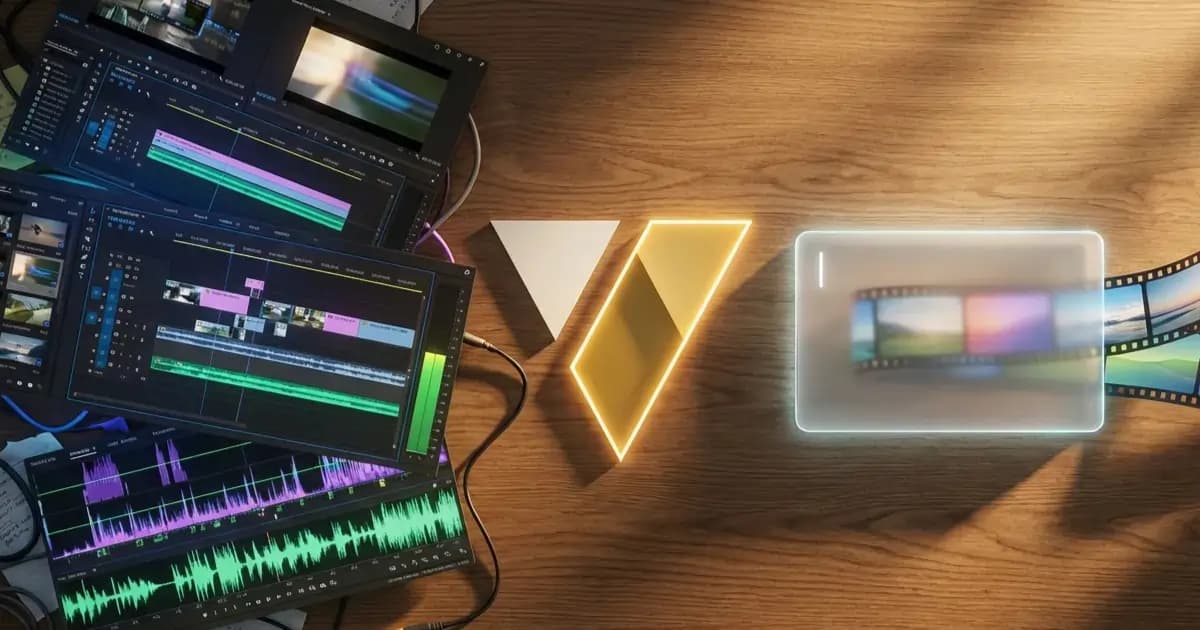
CapCut used to be simple. You opened the app, tapped a few clips, and had a video.
But over the last few years, it has morphed into an absolute behemoth. You open the desktop app today, and it looks like the dashboard of a commercial airplane. Layers, keyframes, audio splitting, mask tracking, color wheels.
For professional video editors, that level of control is amazing. But for the rest of us? It causes massive "timeline fatigue."
If you just want to turn a folder of clips into a beautiful cinematic video, or generate a high-retention YouTube Short from scratch, traditional timelines are a massive waste of time.
Here is an honest breakdown of when you actually need a traditional timeline, and why VideoVenture is the ultimate CapCut alternative for creators who just want to direct.
When you should use CapCut or Premiere Pro
I am a software dev, but I'll be the first to admit that my tool isn't for every single video. Traditional video editors exist for a reason.
You absolutely need a timeline editor like CapCut, Premiere Pro, or DaVinci Resolve if:
- You are editing a 2-hour podcast with four different camera angles that need to be manually switched.
- You are a professional colorist who needs to manually tweak the contrast of individual frames.
- You are making a documentary and need to micro-manage exactly which millisecond a specific audio clip fades out.
If you fall into those categories, stick to the timeline. It is the best tool for the job.
The problem is that 90% of videos being made today don't require micro-management. They just require good pacing, good music, and a clear vision.
The Alternative: An auto video editor powered by text
If you aren't editing a feature film, the manual labor of video editing—dragging clips, finding royalty-free music, splitting audio, syncing cuts to the beat—is just friction holding back your ideas.
I built VideoVenture to completely remove that friction. It is a text-based video editor that replaces the timeline with a chat box.
Here is what VideoVenture is best at:
1. Generating a fully planned video instantly
Instead of starting with an empty timeline and a blank stare, you start with a prompt. You type something like: "A fast-paced, high-energy YouTube Short about the history of Rome. Make it dramatic, use sound effects, and hook the viewer instantly."
The AI generates the media assets, writes the voiceover, scores the background music, and cuts it perfectly to the beat. You get a fully planned video in three minutes. (If you want the full breakdown of how to write a prompt that produces results like this, that's the ultimate guide to AI video prompts.)
2. "Magical" Audio Sync
In CapCut, if you want a swoosh sound effect to play exactly when a photo flies onto the screen, you have to drag the audio file and zoom in on the timeline to match the exact frame.
VideoVenture understands scene planning. It automatically matches the visuals to the words the AI voiceover is saying, and intelligently drops sound effects on visual transitions.
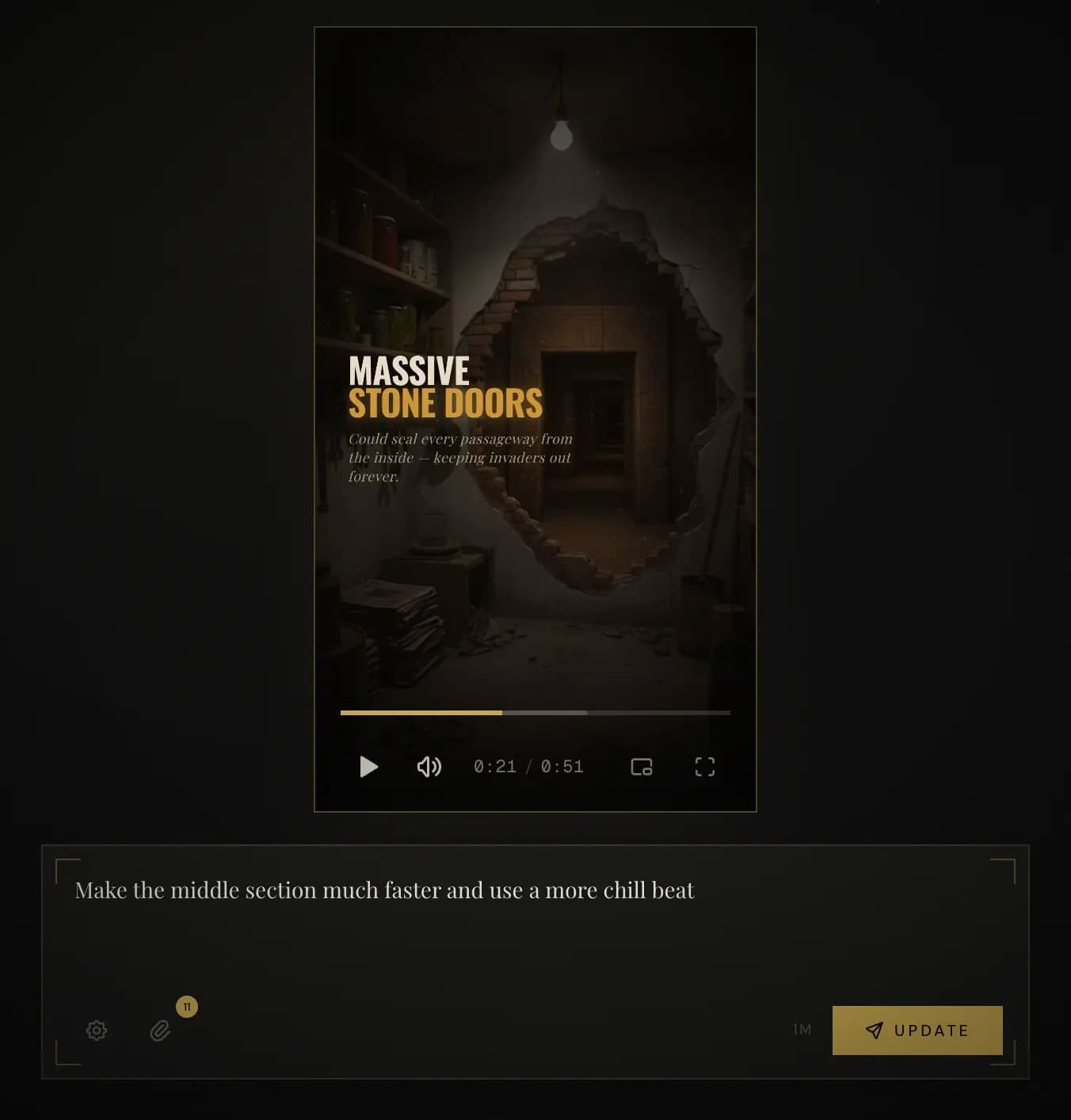
3. Natural Language Iteration (The Timeline Killer)
This is the biggest difference between VideoVenture and traditional editing.
Let's say you watch your video and realize the middle section is too slow.
- In CapCut: You have to manually highlight 15 clips, trim them down, drag all the remaining clips to the left to close the gaps, find a faster song, and re-cut the whole sequence to match the new beat. (That takes 45 minutes).
- In VideoVenture: You literally just type: "Make the middle section much faster and use a more aggressive electronic beat." The AI re-cuts and re-scores the entire video for you in seconds.
Stop editing. Start directing.
If you are a creator, a marketer, or a business owner, your value isn't in your ability to use the razor tool on a timeline. Your value is your creative vision.
You should be acting as the Director, telling the software what the final product should feel like. The AI should act as the Editor, doing the tedious manual labor of cutting it together.
If you are actively frustrated with traditional video software, searching for the easiest video editor for beginners, or just want to reclaim hours of your week, try a prompt-based approach.
VideoVenture has a free tier so you can test the workflow risk-free.
Open the Studio, type what you want to see, and discover how fast video creation can be when you finally delete the timeline.